Best List of Vscode Plugin as Golang developer in Backend position
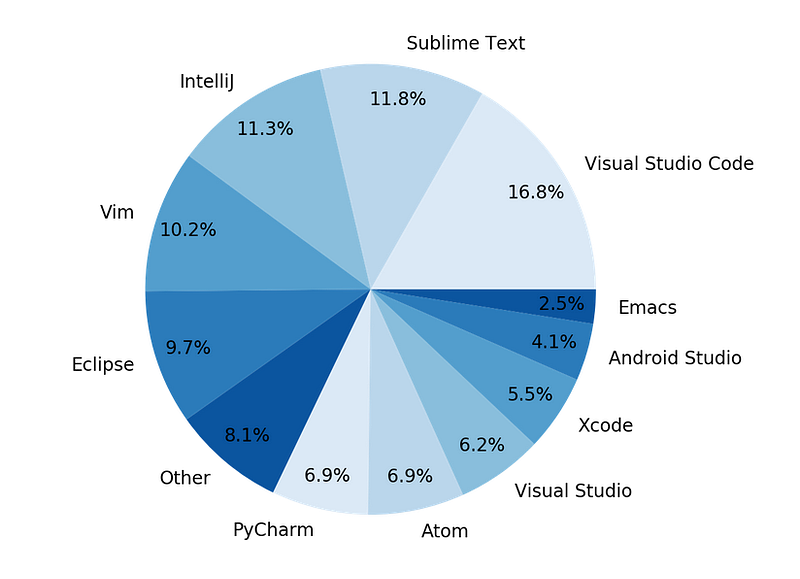
When I was a child, I decided to use only open-source tools. It was a hard decision at the time because many open-source tools weren’t performing well.
As Stallman said, “Value your freedom, or you will lose it, teaches history.” Using open-source tools is worth the trouble.
In my experience switching from IntelliJ Idea to Vscode is the scariest work for developers because when developers habits to their Idea environment, it is so hard to change their traditions.
After investigating Vscode and compare with IntelliJ, I finally decided to uninstall IntelliJ and migrate to Vscode.But after installing Vscode Idea, I found out which features Intelij didn’t support.Let’s jump to the Plugins of Vscode Idea that every Golang developer needs.
Vscode Idea Plugins
As a Golang developer, an Idea is essential to making the application. If I have good tools as a developer, I can make code faster and produce fewer bugs.
The number of plugins that you want to install on Vscode must be optimized
Warning: if increase the number of plugins on your Vscode presumably your Vscode become lazy to load and become heavy and make some issues for you.
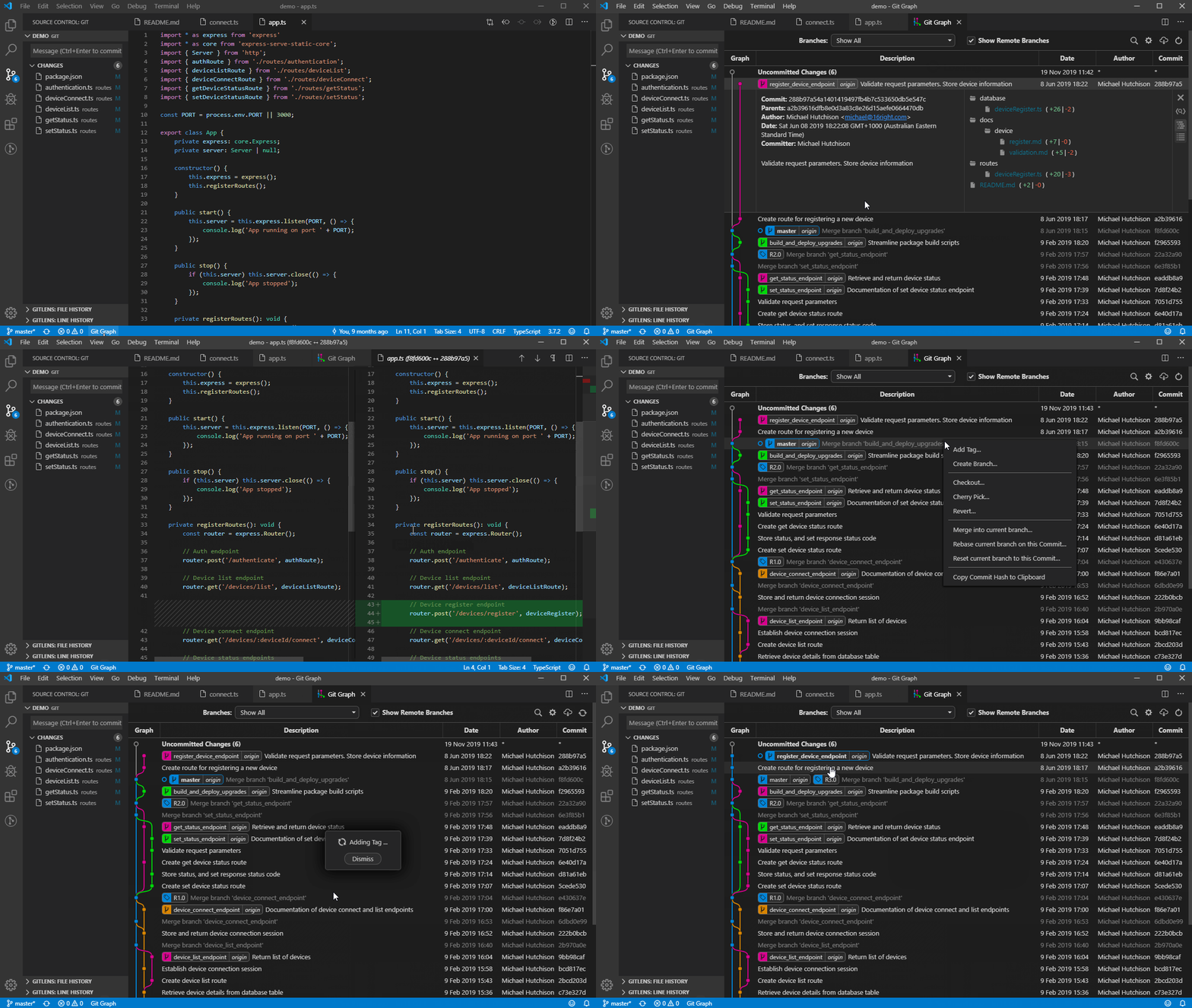
1.Git Graph
One of my biggest scares about migrating from Intelij to Vscode Idea is how to get merge conflict between branches or fix merge conflict in one branch. Git Graph is the best solution that I can see what happens in the git history.
2.GitHub Copilot
This plugin is not free, but it can guess new codes based on your previous once. It’s save a lot of time.
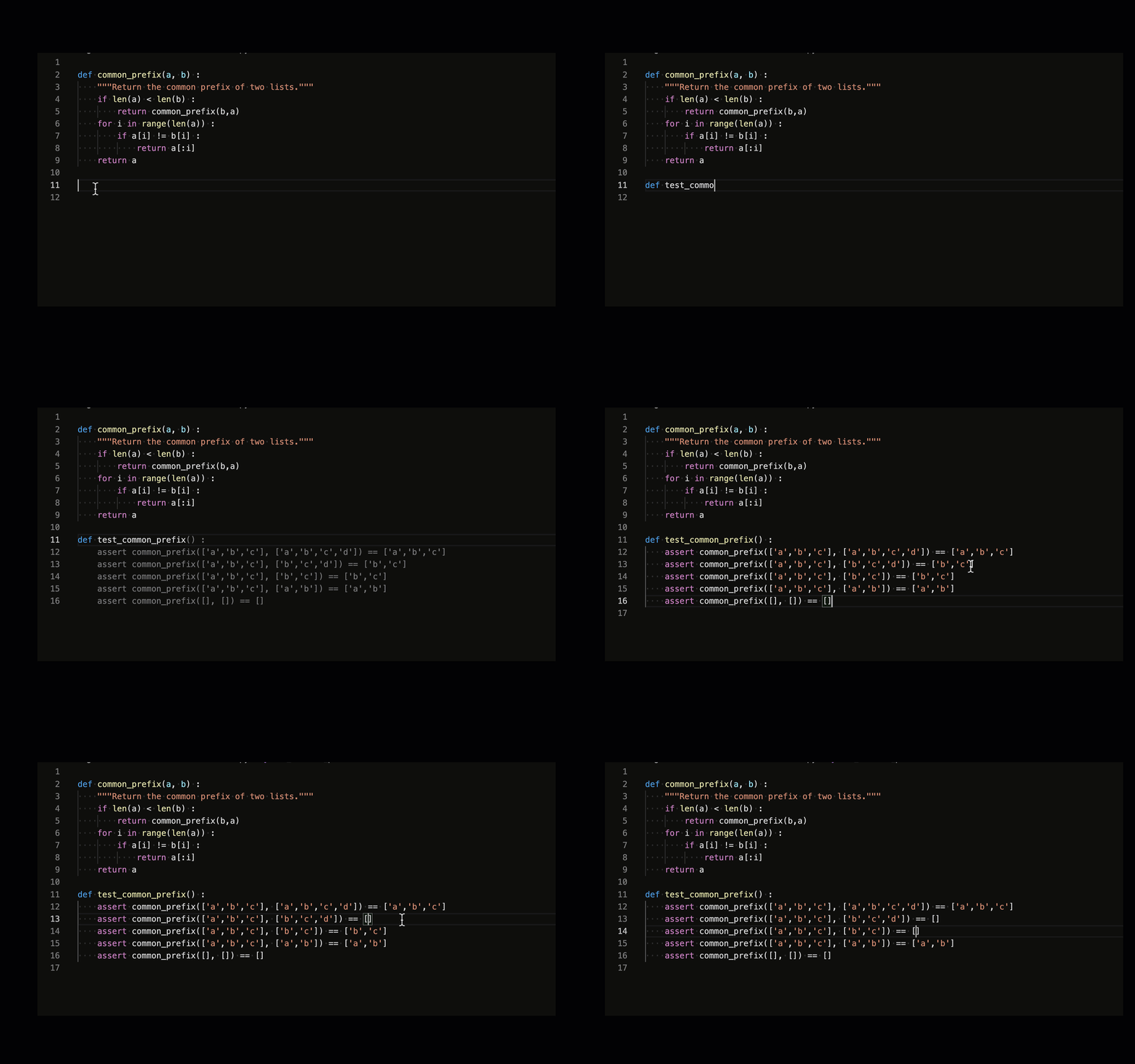
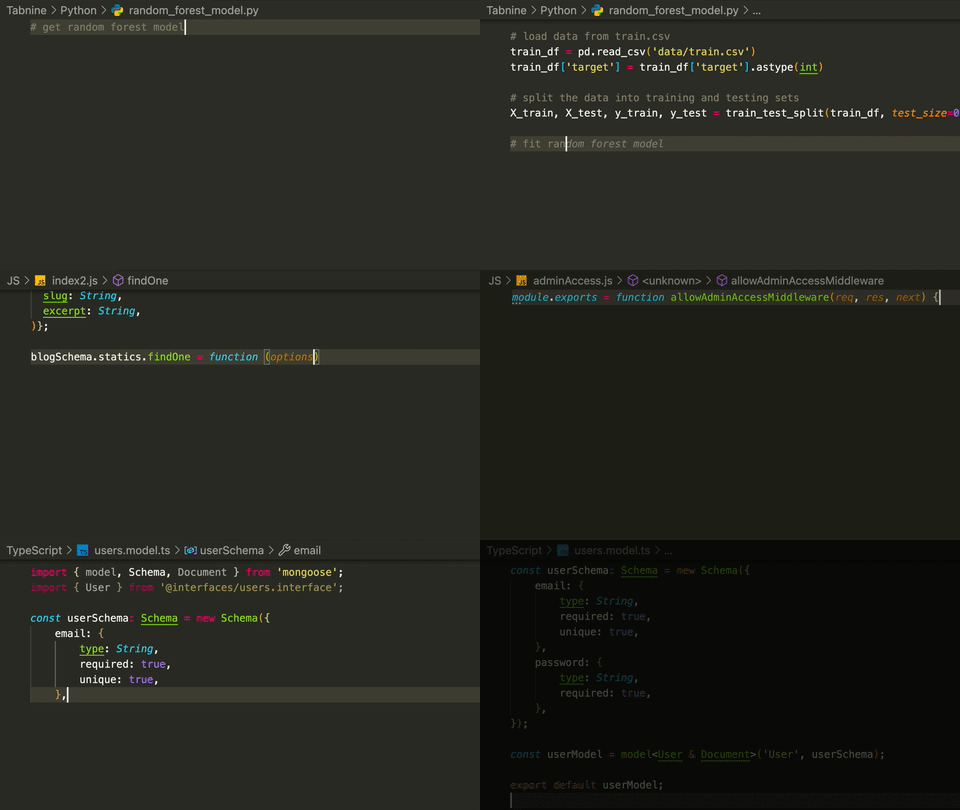
3.Tabnine AI Autocomplete for Javascript, Python, Typescript, PHP, Go, Java, Ruby & more
This plugin recommends codes based on machine learning, and it’s so helpful tool.
4. Error Lens
I Extremely recommend The Error Lens because I can see errors immediately. I don’t know why IntelliJ doesn’t have this future.
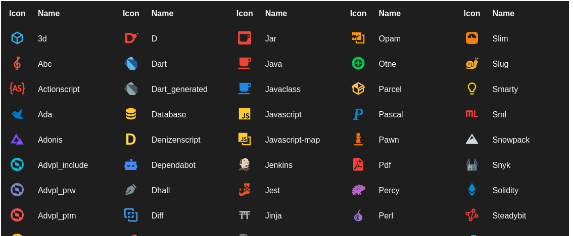
5.Material Icon Theme
Add lots of icons to Vscode Idea.
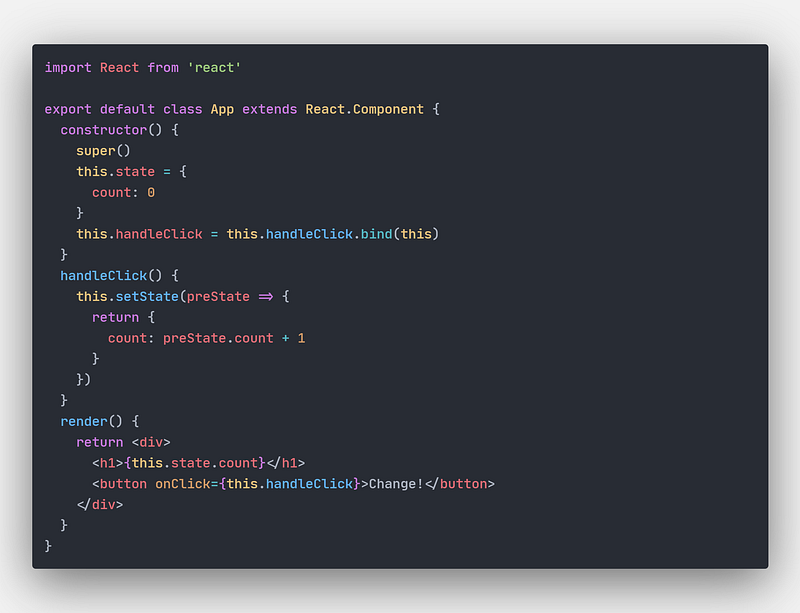
6.One Dark Pro
Colorize code for more readability.
7.Paste JSON as Code
Assume a plugin for changing JSON to the struct. Many times need to change JSON to Golang struct, and this plugin easily converts it to Golang. Just write below the command:
Open quicktype time for Json8.Prettier Code formatter
This plugin easily Prettier the code
9.Bookmarks
This is such a simple plugin and a handy tool. Whenever I want to develop code, I need to open ten different files and lose the development path. The bookmark can easily save the file in a particular part with unique tags, which I have never seen in the future in IntelliJ Idea.
10. Bracket Pair Colorizer
After many years this plugin became a native feature in Vscode Idea and was helpful. When working with lots of Parentheses, It was necessary to install this plugin.
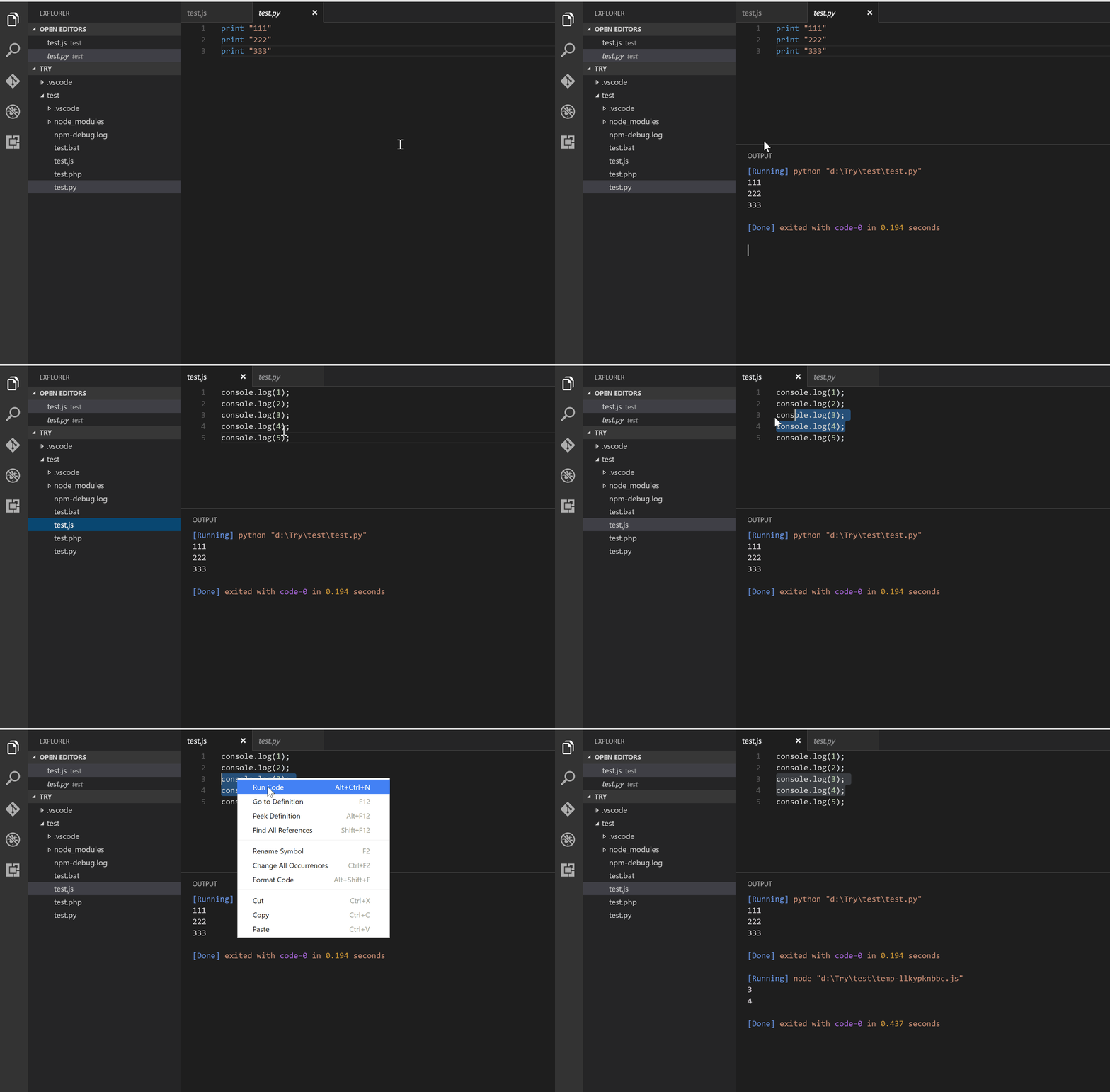
11.Code Runner
It is such a fantastic feature that you can run it immediately.
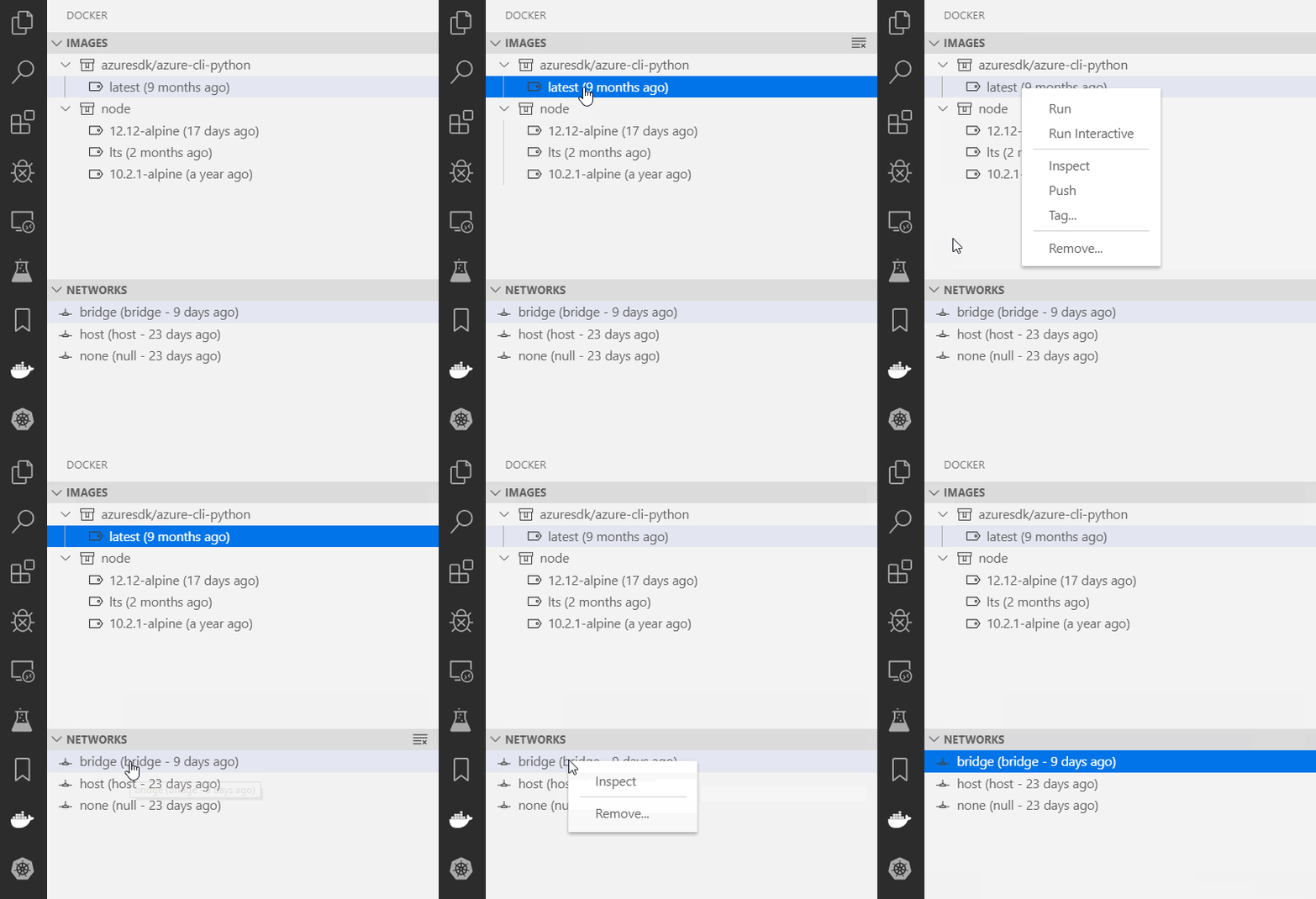
12.Docker
It highlights docker files and explorer docker as an easy way.
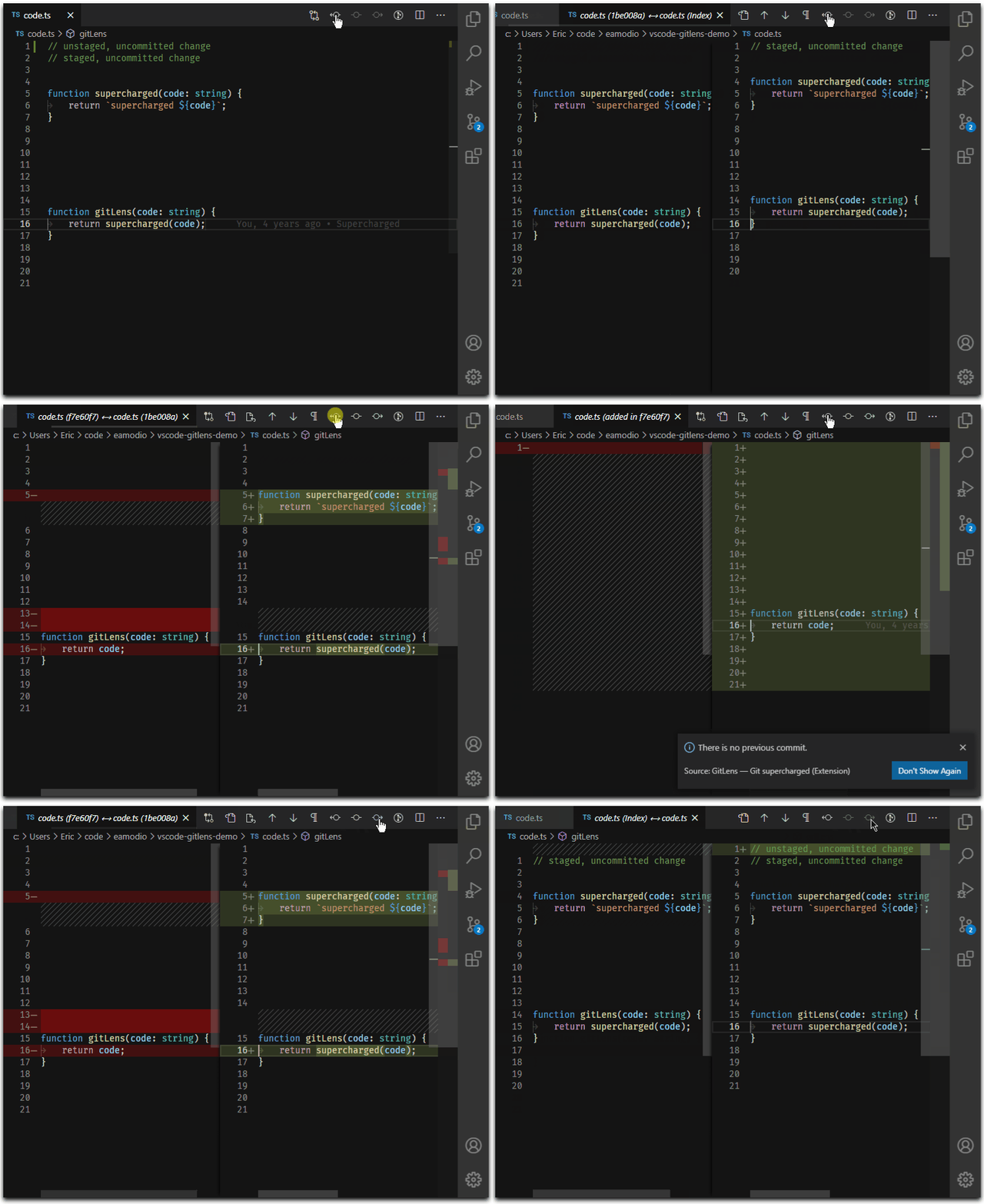
13. Git Lens
If you want to see the previous commit and compare it with the last head, the Git lens is the best tool that does this work.
https://marketplace.visualstudio.com/items?itemName=eamodio.gitlens
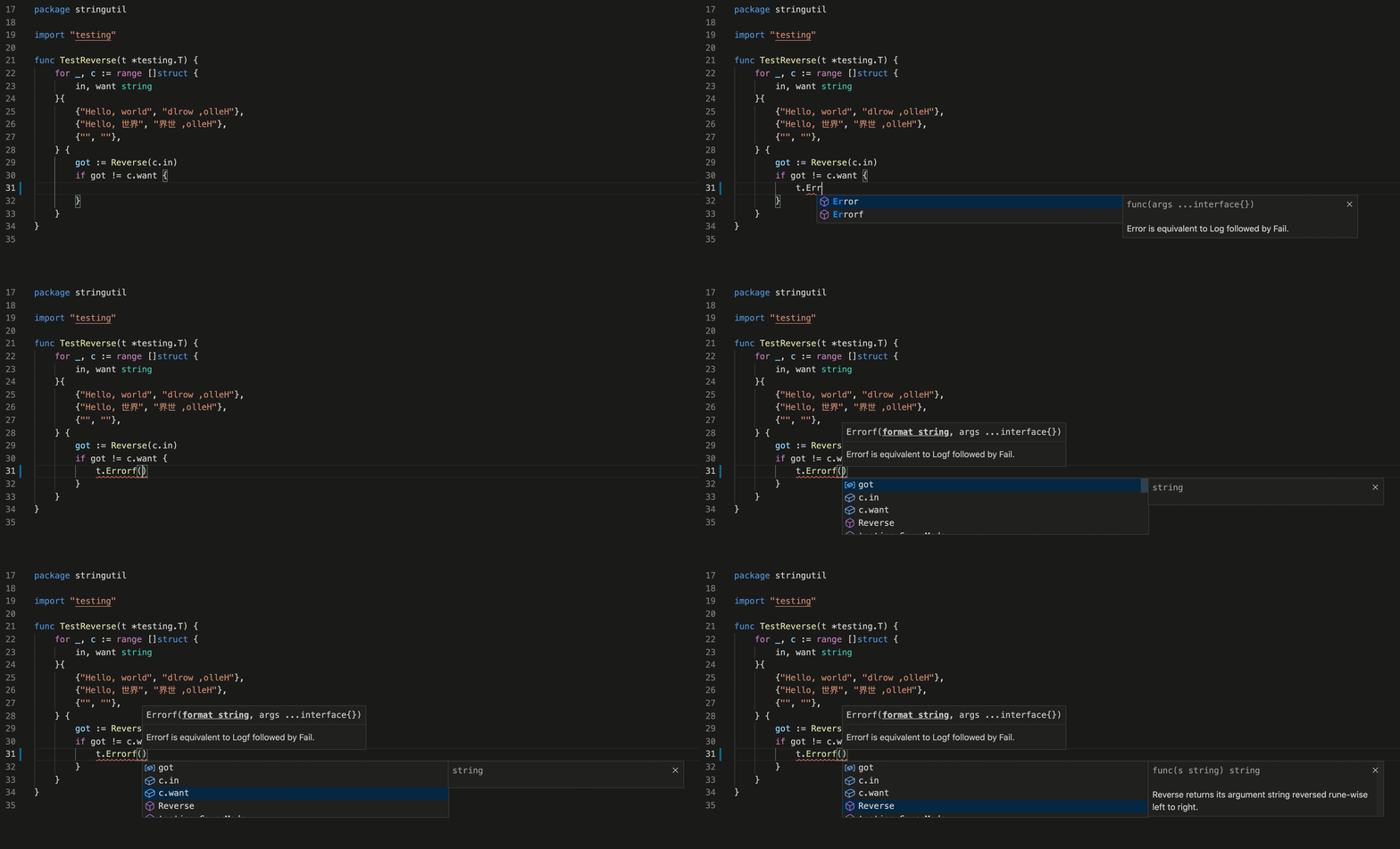
14.Go for Visual Studio Code
Certainly, I need this package. I can easily recommend command in Golang.
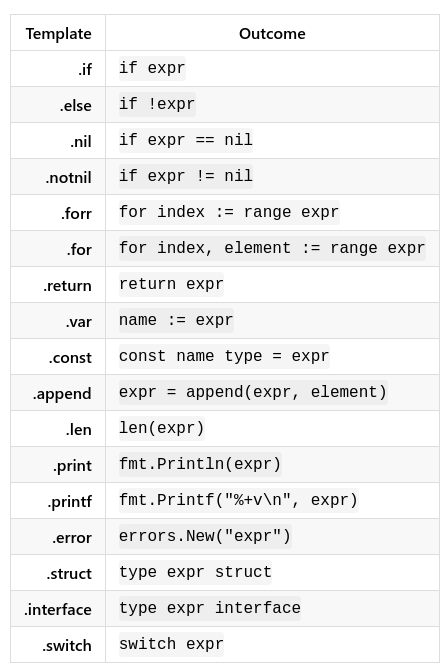
15.Golang postfix code completion
This package uses some abbreviations for easy coding.
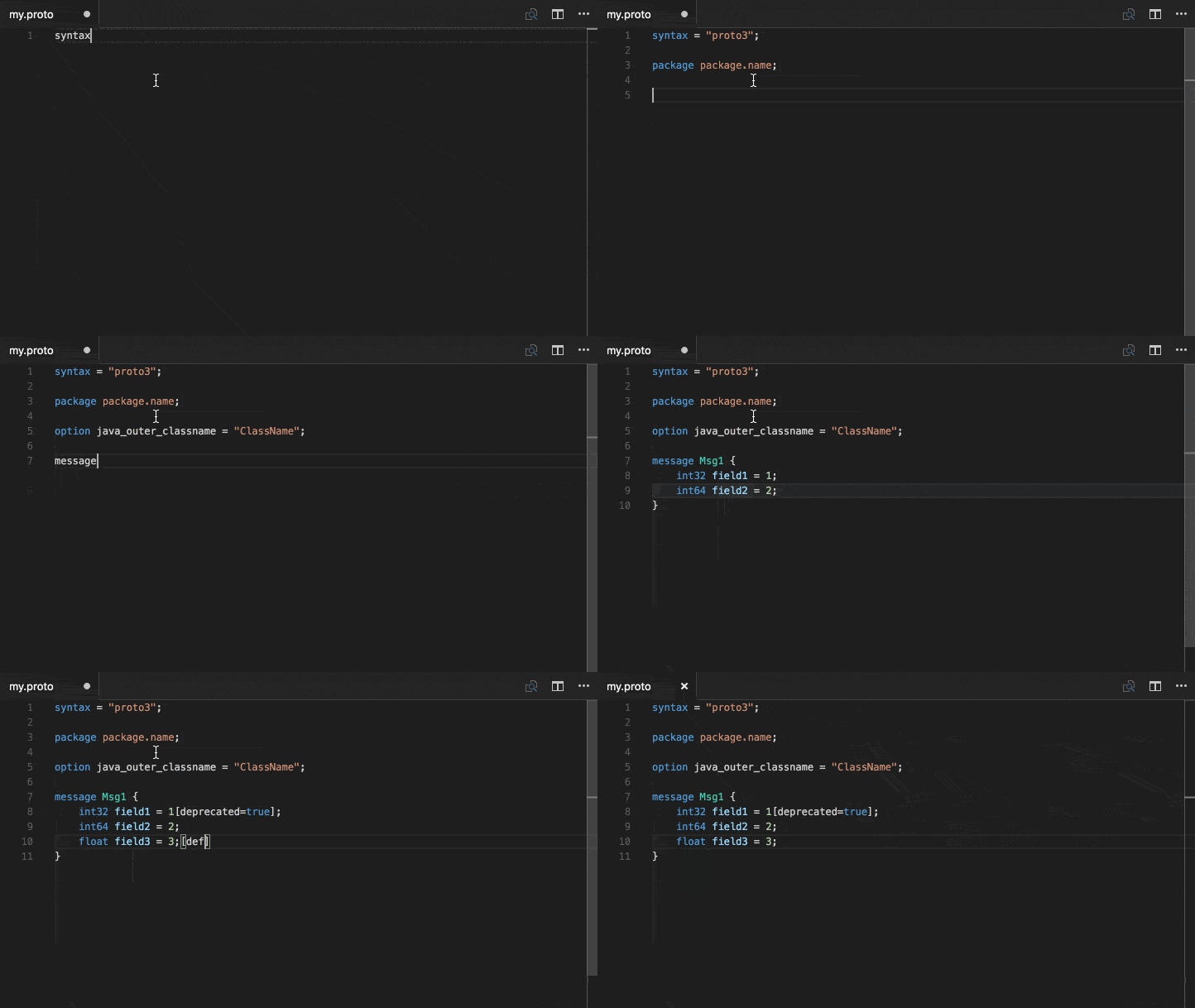
16.vscode-proto3
Make Proto is so easily with this plugin.
17.Prettify JSON
18.Code Spell Checker
19. codeium
AI Assiatant tools
Other feature
Furthermore, of these plugins, I found two exciting futures in Vscode that are amazing.
Cntl + .
For fill struct from the primary resource.
Cntl + d
To select multi same word simultaneously.
Cntl + F12This command is used to go to implement the function.
Setting.json configuration
by pressing the keys shift+ctrl+p simultaneously.
{
  "security.workspace.trust.untrustedFiles": "open",
  "editor.largeFileOptimizations": false,
  "explorer.confirmDelete": false,
  "editor.minimap.showSlider": "always",
  "editor.minimap.size": "fit",
  "git.autofetch": true,
  "tabnine.experimentalAutoImports": true,
  "workbench.colorTheme": "One Dark Pro Flat",
  "workbench.iconTheme": "material-icon-theme",
  "settingsSync.ignoredExtensions": [],
  "files.autoSave": "afterDelay",
  "files.autoSaveDelay": 10000,
  "go.toolsManagement.autoUpdate": true,
  "[json]": {
    "editor.defaultFormatter": "esbenp.prettier-vscode",
  },
  "redhat.telemetry.enabled": true,
  "workbench.editor.enablePreview": false,
}
Run test case in Golnag with .env file
You can add the following snippets to VSCode settings.json to specify environment variables just for go test runs:
{
  "go.testEnvVars": {
    "MY_VAR": "my value"
  }
}
Or using a dedicated file (in my example, called .env in the root of project workspace) containing the environment variables in MY_VAR="my value" format with one variable per line:
{
  "go.testEnvFile": "${workspaceFolder}/.env"
}
https://stackoverflow.com/users/497127/blami
Debug Golang with vscode
Make .vscode directory in your project.
Put launch.json file inside the folder.
and put the JSON below inside the file.
then press Cntl + F5
{    // Use IntelliSense to learn about possible attributes.    // Hover to view descriptions of
existing attributes.    // For more information, visit:
https://go.microsoft.com/fwlink/?linkid=830387    "version": "0.2.0",    "configurations": [
{            "name": "Launch Package",            "type": "go",            "request": "launch",
"mode": "auto",            "program": "main.go",            "envFile": "${workspaceFolder}/.env"
}    ]}
Reload Vscode
Open a file and type anything.
Press Ctrl+Shift+P -> Reload Window.
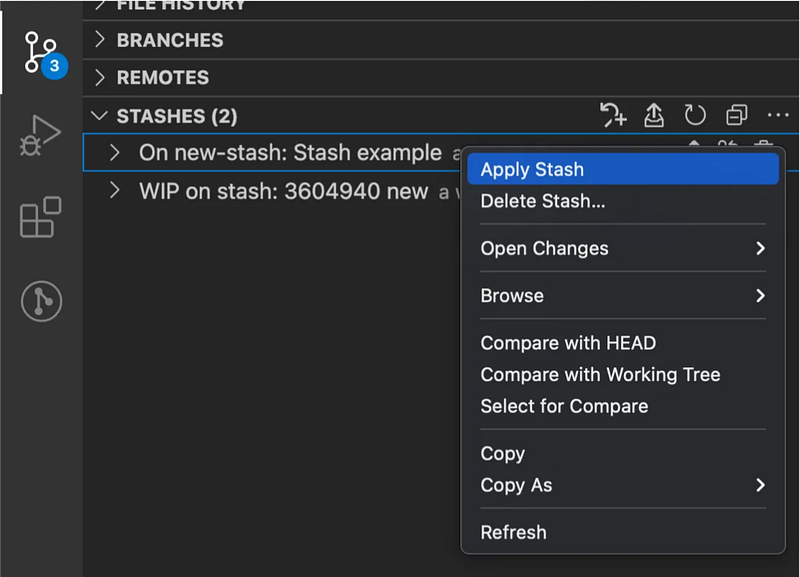
Stash in VScode
Vscode supports stash and has a very nice UI to handle this feature.
Collapse all methods in Visual Studio Code