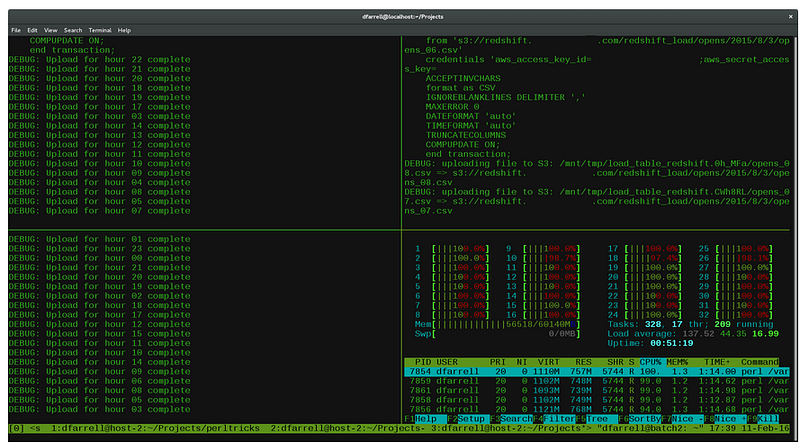
Nowadays, Microservices are very popular, and many companies and developers switched to this kind of technology. One of the problems ا have in the morning is that I should open many terminals and use many docker-compose to run my project. In this article, I introduce the Tmux setting that can easily handle this problem.
As you know, first install Tmux on Ubuntu or any kind of OS that you use every day.
The below link shows a cheat sheet of Tmux exists, and that is so valuable.
Install Tmux
bash
sudo
apt  install tmux
List of sessions exists in Tmux
text
tmux lsDelete session in Tmux
text
tmux kill-ses -t historyOpen session in Tmux
text
tmux atmux a -t mysessionI wrote a bash script that is open six different folders in Tmux.
bash
#!/bin/shtmux new-session -s service   -n Document -d 'cd /path/1 ; bash -i'tmux new-window  -t
service:1 -n micro       'cd /path/2 ; bash -i'tmux new-window  -t service:2 -n kafka
'cd /path/3 ; bash -i'tmux new-window  -t service:3 -n mongoDb     'cd /path/4 ; bash -i'tmux
new-window  -t service:4 -n elk         'cd /path/5 ; bash -i'tmux new-window  -t service:5 -n db
'cd /path/6 ; bash -i'tmux select-window -t service:1tmux -2 attach-session -t service
Or It’s possible to run another command, such as docker-compose up in the default command.
bash
#!/bin/shtmux new-session -s service   -n Document -d 'cd /path/1 ; bash -i'tmux new-window  -t
service:1 -n micro       'cd /path/2 ;
docker-compose up ; bash -i'tmux new-window  -t service:2 -n kafka       'cd /path/3 ; bash
-i'tmux new-window  -t service:3 -n mongoDb     'cd /path/4 ; bash
-i'tmux new-window  -t service:4 -n elk         'cd /path/5 ; bash
-i'tmux new-window  -t service:5 -n db          'cd /path/6 ; bash
-i'tmux select-window -t service:1tmux -2 attach-session -t service
Finally, I save this config as ./start.sh and add permission. At last, I run the file every morning day.