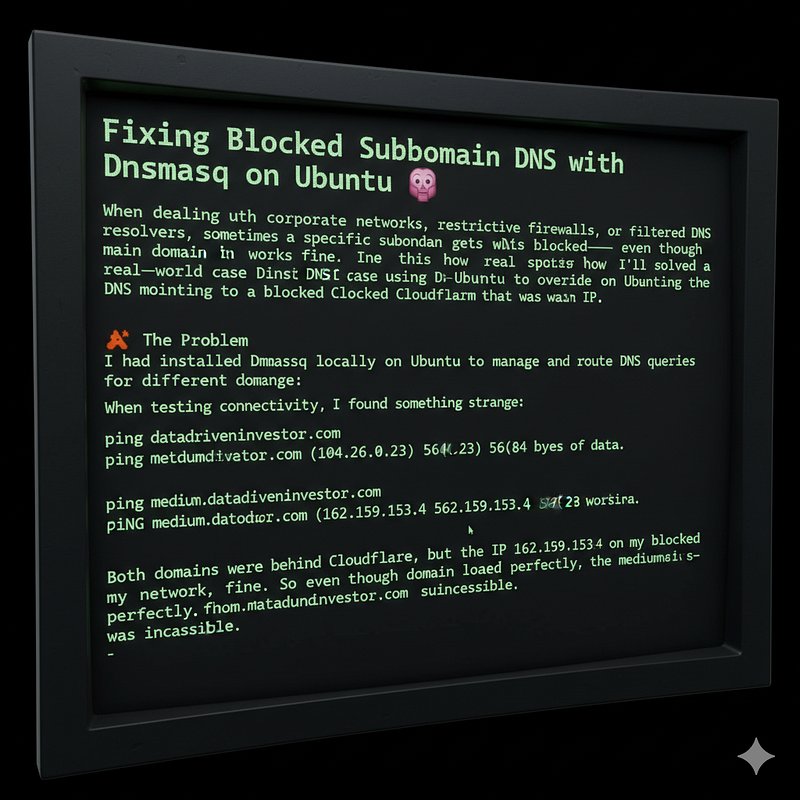
Fixing Blocked Subdomain DNS with Dnsmasq on Ubuntu 🧠
When dealing with corporate networks, restrictive firewalls, or filtered DNS resolvers, sometimes a specific subdomain gets blocked — even though the main domain works fine.
In this post, I’ll show how I solved a real-world case using Dnsmasq on Ubuntu to override the DNS mapping for a single subdomain that was pointing to a blocked Cloudflare IP.
🚨 The Problem
I had installed Dnsmasq locally on Ubuntu to manage and route DNS queries for different domains.
When testing connectivity, I found something strange:
ping datadriveninvestor.comPING datadriveninvestor.com (104.26.0.23) 56(84) bytes of data.
ping
medium.datadriveninvestor.comPING medium.datadriveninvestor.com (162.159.153.4) 56(84) bytes of
data.
Both domains were behind Cloudflare, but the IP 162.159.153.4 was blocked on my network, while 104.26.0.23 worked fine.
So even though the root domain loaded perfectly, the medium.datadriveninvestor.com subdomain was inaccessible.
🧩 The Goal
Redirect all DNS requests for medium.datadriveninvestor.com to 104.26.0.23 without affecting other DNS behavior or domains.
⚙️ The Dnsmasq Setup
Dnsmasq acts as a lightweight DNS forwarder and cache.
I already had it configured to forward different domains to custom DNS servers, something like this:
# Listen only on loopbackinterface=lobind-interfaceslisten-address=127.0.0.1# Special DNS
serversserver=/google.com/10.131.57.151server=/datadriveninvestor.com/76.76.2.11
This setup meant that all subdomains of datadriveninvestor.com were being resolved through the DNS server at 76.76.2.11.
That includes the problematic subdomain medium.datadriveninvestor.com.
🛠 The Solution: Override the IP Manually
Dnsmasq allows you to force specific domains to resolve to a fixed IP address using the address= directive.
So I added this line to /etc/dnsmasq.conf:
address=/medium.datadriveninvestor.com/104.26.0.23This tells Dnsmasq:
Whenever someone queriesmedium.datadriveninvestor.com, return104.26.0.23directly — no upstream lookup.
Here’s the relevant part of the final configuration:
# Listen only on loopbackinterface=lobind-interfaceslisten-address=127.0.0.1# Override blocked
subdomainaddress=/medium.datadriveninvestor.com/104.26.0.23# Custom DNS servers for
domainsserver=/datadriveninvestor.com/76.76.2.11server=/medium.com/76.76.2.11# Default and fallback
DNS serversserver=9.9.9.9server=8.8.8.8# Security &
performancedomain-neededbogus-privno-resolvno-pollcache-size=1000
⚡ Applying the Changes
After editing, restart the Dnsmasq service:
sudo systemctl restart dnsmasqThen verify:
dig medium.datadriveninvestor.com @127.0.0.1✅ You should see:
;; ANSWER SECTION:medium.datadriveninvestor.com. 0 IN A 104.26.0.23And ping confirms the fix:
ping medium.datadriveninvestor.comPING medium.datadriveninvestor.com (104.26.0.23) 56(84) bytes of
data.
Failed to set DNS configuration: Unit dbus-org.freedesktop.resolve1.service not found.
echo 'dbus=NO' | sudo tee -a /etc/resolvconf.confsudo cat /etc/resolv.conf#nameserver 127.0.0.53#options edns0 trust-ad#search
mtnirancell.irnameserver 127.0.0.1nameserver 8.8.8.8nameserver 1.1.1.1🧠 Why This Works
- The
server=/domain/directive tells Dnsmasq where to forward queries for that domain. - The
address=/domain/ipdirective short-circuits that process — Dnsmasq answers directly with the given IP. address=rules take priority overserver=rules, so even if another DNS server is set for that domain, the override wins.
✅ Conclusion
When a subdomain resolves to a blocked or unwanted IP, you don’t have to modify your entire DNS setup.
With Dnsmasq, a single address= line can override any domain mapping — giving you total control over your DNS resolution.
In short:
🧭 Dnsmasq gives you local control when the internet (or your network admin) doesn’t.