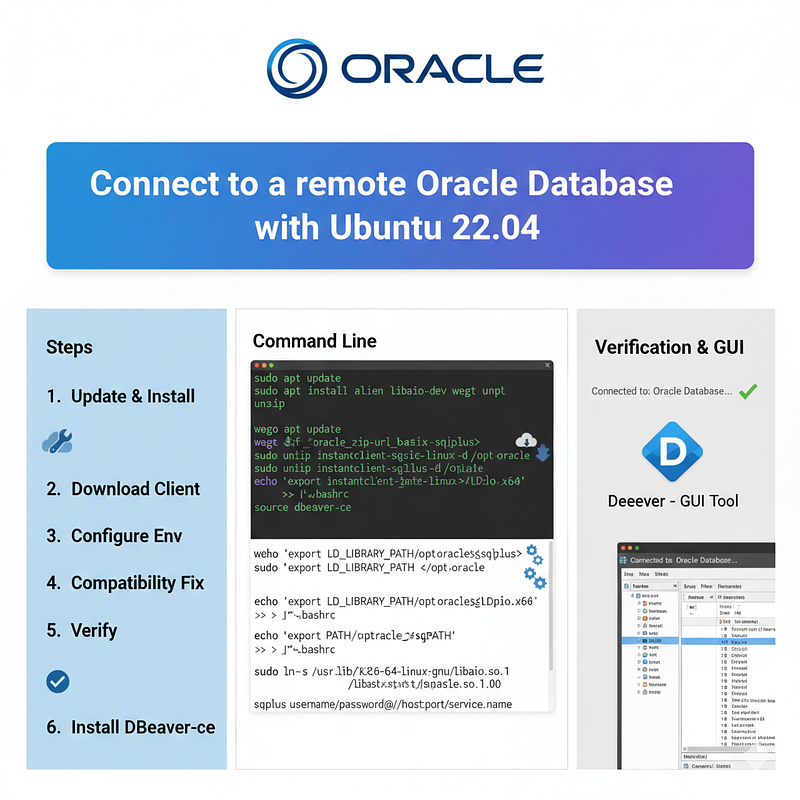
Connect to a remote Oracle Database with Ubuntu 22.04
Abstract
This article provides a structured, step-by-step guide for connecting to a remote Oracle Database on Ubuntu 22.04. The primary focus is on installing Oracle Instant Client 23, a critical component for Oracle DB connectivity, using the ZIP distribution method. Initial steps include updating system packages and installing prerequisites (alien, libaio-dev, wget, unzip). The guide outlines downloading essential Instant Client ZIP files (instantclient-basic-linux.x64 and instantclient-sqlplus-linux.x64) from Oracle’s official download portal, unzipping them into a dedicated directory (/opt/oracle), and configuring environment variables (LD_LIBRARY_PATH and PATH) to ensure proper client recognition. A compatibility fix is addressed for newer Ubuntu versions, involving creating a backward-compatible symlink for libaio.so.1 to resolve potential library version conflicts. Verification is demonstrated using the SQLPLUS command to confirm successful installation. Additionally, DBeaver, a recommended GUI tool for developers, is introduced with instructions for installation via the snap package manager. The article aims to streamline the setup process, ensuring users can efficiently connect to remote Oracle Databases on Ubuntu 22.04 while addressing common compatibility challenges.
✅ Step 1: Install Oracle Instant Client
Oracle Instant Client gives you everything needed to connect to an Oracle DB.
sudo
apt update
sudo
apt install alien libaio-dev
wget unzip
🟩 Install Oracle Instant Client 23 on Ubuntu (ZIP method)
sudo
mkdir -p /opt/oraclecd /opt/oracle
2️⃣ Download the ZIP files
You’ll need at least the following two files from
🔗 https://www.oracle.com/database/technologies/instant-client/downloads.html
https://www.oracle.com/database/technologies/instant-client/linux-x86-64-downloads.html
wget
https://download.oracle.com/otn_software/linux/instantclient/2326000/instantclient-basic-linux.x64-23.26.0.0.0.zip
wget
https://download.oracle.com/otn_software/linux/instantclient/2326000/instantclient-sqlplus-linux.x64-23.26.0.0.0.zip
3️⃣ Unzip them
sudo
apt install unzip -yunzip instantclient-basic-linux.x64-23.26.0.0.0.zipunzip
instantclient-sqlplus-linux.x64-23.26.0.0.0.zip
4️⃣ Set environment variables
Add this to your shell profile (~/.bashrc or ~/.zshrc):
echo 'export LD_LIBRARY_PATH=/opt/oracle/instantclient_23_26:$LD_LIBRARY_PATH' >> ~/.bashrcecho
'export PATH=/opt/oracle/instantclient_23_26:$PATH' >> ~/.bashrcsource ~/.bashrc
🩵 Step-by-step fix
We’ll create a compatibility symlink pointing to the existing library, which is 100% safe and commonly done for Oracle clients on new Ubuntu versions.
1️⃣ Check what files you have:
ls -l /usr/lib/x86_64-linux-gnu/libaio*✅ Fix: Create a backward-compatible symlink
Run this one safe command:
sudo ln -s /usr/lib/x86_64-linux-gnu/libaio.so.1t64.0.2 /usr/lib/x86_64-linux-gnu/libaio.so.1✅ Then test again
sqlplus -vSQL*Plus: Release 23.26.0.0.0 - ProductionVersion 23.26.0.0.0🟩 1. DBeaver (Recommended for Most Developers)
sudo snap install dbeaver-ceConclusion
This guide has provided a clear, actionable process for establishing connectivity to a remote Oracle Database on Ubuntu 22.04, centered on installing and configuring Oracle Instant Client 23. By following the outlined steps — from updating system packages and installing prerequisites, to downloading and unzipping the Instant Client ZIP files, setting environment variables, resolving compatibility issues with a safe symlink fix, and verifying the installation via sqlplus—users can efficiently set up a functional Oracle client environment. Additionally, recommending DBeaver as a user-friendly GUI tool further simplifies database management for developers. The structured approach ensures that even those new to Oracle on Linux can navigate potential challenges, such as library version conflicts, with confidence. Ultimately, this setup enables seamless interaction with remote Oracle databases, supporting real-world development and operational needs on Ubuntu 22.04.